

Popular Games
Last Played
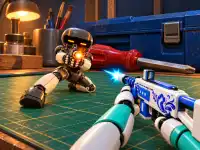

RoboStrike 3D
0 plays

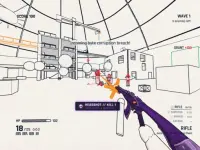

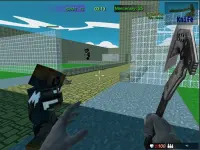







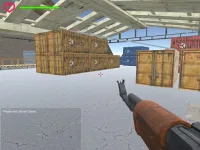


























RoboStrike 3D
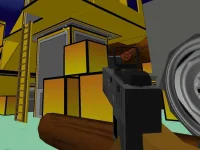
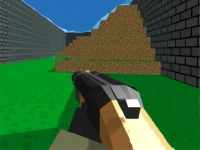
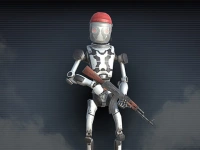
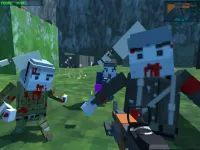
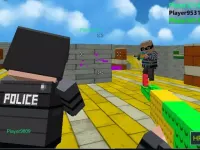
Get ready to experience the ultimate first-person arena shooter. In RoboStrike 3D, tiny robots fight across oversized everyday spaces, making for a unique and thrilling experience. You can collect batteries to power your team's cannon and destroy the enemy tower, take control of a Mega Robot, or rack up eliminations in Deathmatch. The game features Multiplayer and PvP modes, allowing you to practice against bots or jump into an online match. With a variety of classes and customization options, you can create a robot that suits your playstyle.
Controls and Features
You can move your robot using the WASD keys and look around using the mouse. Left click to fire, right click to aim, and use the space bar to jump. The shift key allows you to sprint, and the C key enables you to slide. The R key reloads your weapon, while the number keys switch between weapons and equipment. You can also equip a grenade using the 4 key and interact with the cannon using the E key.
Tips
To succeed in RoboStrike 3D, focus on collecting batteries to power your team's cannon. You can also try taking control of a Mega Robot to gain an advantage. Don't forget to practice against bots before jumping into an online match.
FAQ
How do I power up my team's cannon?
You can collect batteries to power up your team's cannon. These batteries are scattered throughout the arena and can be collected by your robot.
Can I play with friends?
Yes, RoboStrike 3D features Multiplayer and PvP modes, allowing you to play with friends online.
What are the different game modes?
The game features Deathmatch, Batteries mode, and more. You can practice against bots or jump into an online match.
How do I customize my robot?
You can choose from different classes and customize your robot with various equipment and weapons.
About this game
- Supported devices
- Desktop
- Genre
- Shooting Games
- Release date
- 24 November 2026
- Latest update
- 24 November 2026
- Rating
- No ratings yet