




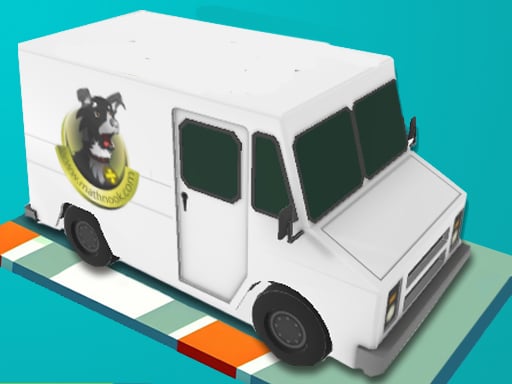


Grid Drifter
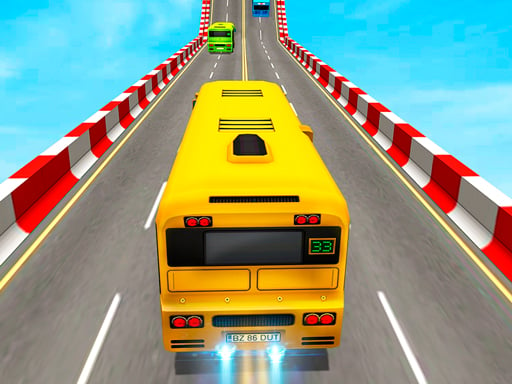
Get ready to experience the thrill of parking a truck in a challenging grid-based game, Grid Drifter! This game is all about precision and control as you navigate your vehicle through a crowded parking lot. With its unique drifting mechanics and responsive controls, Grid Drifter is sure to test your skills and keep you on the edge of your seat.
How To Play Grid Drifter
To play Grid Drifter, simply start the game and use the arrow keys or D and A keys on your keyboard to steer your truck. The goal is to park your vehicle in the designated spots without crashing into other cars. It's a challenging task, but with practice, you'll be a pro in no time!
Controls and Features
The controls in Grid Drifter are simple yet effective. You can use the arrow keys or D and A keys on your keyboard to steer your truck, while tapping left or right on your mobile device will also work. The game has no timer or hints, so you'll need to rely on your skills and instincts to succeed.
Tips
One of the key tips to keep in mind when playing Grid Drifter is to move slowly and carefully when parking your truck. This will help you align your vehicle properly and avoid hitting obstacles. With a little practice, you'll be able to master the drifting mechanics and become a parking pro!
FAQ
What are the controls in Grid Drifter?
The controls in Grid Drifter are the arrow keys or D and A keys on your keyboard, or tapping left or right on your mobile device.
What is the main objective of the game?
The main objective of Grid Drifter is to park your truck in the designated spots without crashing into other cars.
Are there any features like a timer in the game?
No, there are no features like a timer in Grid Drifter.
What is the main mechanic of the game?
The main mechanic of Grid Drifter is parking and drifting your truck.
About this game
- Supported devices
- Desktop
- Genre
- Sports Games
- Release date
- 01 October 2024
- Latest update
- 01 October 2024
- Rating
- No ratings yet