

Popular Games
Last Played
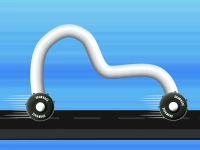

Draw Race 3D
2 plays



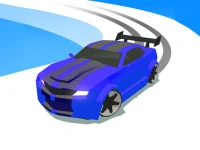

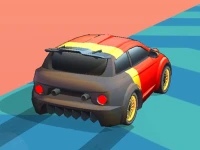


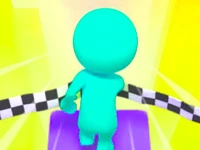




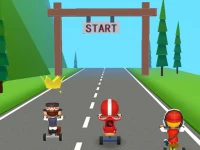






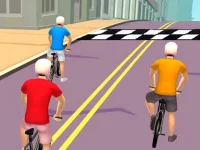


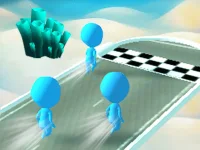
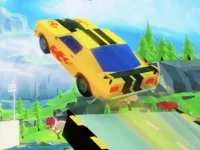





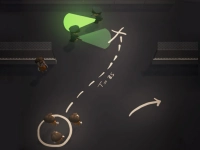




Draw Race 3D
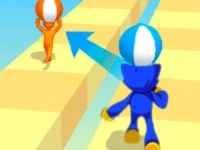
Ready for a creative racing challenge? Draw Race 3D lets you design your own vehicles before hitting the track. This unique racing game combines drawing skills with fast-paced action, where your creations must navigate through switches. Perfect for fans of 3D games, it offers a fun twist on traditional racing by putting your artistic talent to the test.
How To Play Draw Race 3D
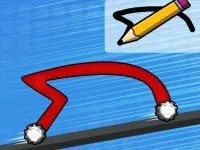
Start by sketching your car using the mouse or touch controls. Once your design is ready, hit the space bar or tap to begin the race. Your vehicle will automatically speed up, so focus on passing through switches without crashing.
Controls and Features
The game uses simple inputs: draw with your mouse or finger, then start racing with a tap or spacebar. The built-in physics ensure your car moves smoothly, though you’ll need careful design to avoid obstacles. The Arcade Games style keeps it fast and exciting.
Tips
Keep your car’s shape balanced to pass switches easily. Avoid overly complex designs to prevent getting stuck. Slow and steady movements help maintain control during the race.
FAQ
How do you draw a car in Draw Race 3D?
Use your mouse or finger to sketch the vehicle’s outline. Then clean up the design before starting the race to ensure smooth performance.
What makes Draw Race 3D different from other racing games?
Unlike traditional racing games, you create your own cars instead of choosing pre-made ones. The focus is on drawing and strategy.
Can kids enjoy playing Draw Race 3D?
Absolutely! The game is simple enough for younger players to pick up quickly, blending creativity with racing fun.
Does Draw Race 3D have a time limit?
The game does not mention a timer, so you can take your time designing and racing without pressure.
```About this game
- Supported devices
- Desktop
- Genre
- Arcade Games
- Release date
- 24 October 2024
- Latest update
- 24 October 2024
- Rating
- No ratings yet