

Popular Games
Last Played


Call of Ops 2
5 plays











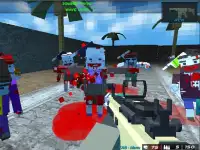


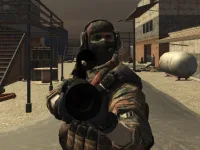
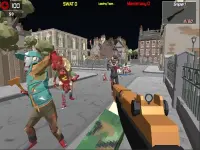


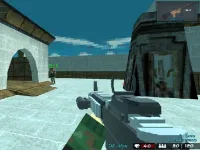











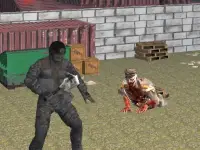






Call of Ops 2
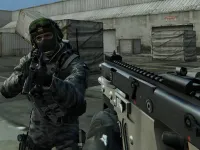
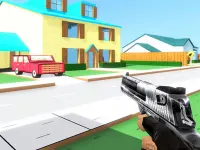
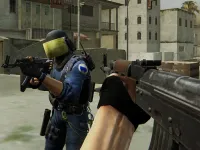
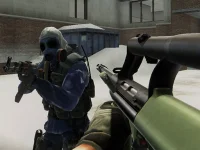
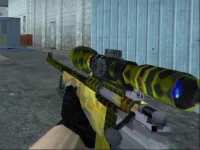
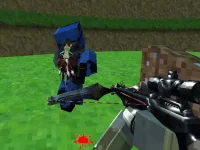
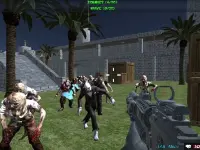
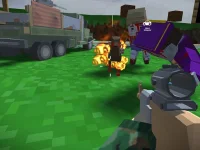
Call of Ops 2 delivers fast-paced multiplayer action in a browser. With chaotic maps and constant action, teamwork and solid aiming are essential for survival. The game blends quick reflexes with tactical play, pushing you to move, shoot, and hide effectively against opponents. It is a straightforward shooter that rewards skill and coordination.
How To Play Call of Ops 2
Select your mode and map to jump into the fight. The goal is to clean, move, shoot, and hide against opponents. Success depends on staying alert and working with your team to survive the constant action across the chaotic maps.
Controls and Features
Use WASD to move, the mouse to aim and shoot, space to jump, R to reload, and C to crouch. The game includes a timer and helpful hints to guide your gameplay. These simple controls keep the focus on aiming and teamwork.
Tips
Move with WASD and aim with the mouse. Reload with R when your magazine is empty to stay in the fight. Keep your aim steady and work with your team to survive the chaotic maps.
FAQ
What are the controls in Call of Ops 2?
WASD moves your character, the mouse aims and shoots, space jumps, R reloads, and C crouches. These controls are easy to learn and help you focus on aiming and teamwork.
What is the main objective?
The main objective is to eliminate opponents and complete goals. You must work with your team and use smart movement to survive the constant action on chaotic maps.
What features help with gameplay?
The game includes a timer and hints. These features guide your play and help you stay focused on the action without getting lost in the fast pace.
How can I improve my skills?
Practice aiming and movement. Use WASD to position yourself, the mouse to aim precisely, and reload with R when needed. Teamwork and quick reflexes are key to winning.
First Person Shooter Multiplayer Games WebGL Shoot Em Up
About this game
- Supported devices
- Desktop
- Genre
- Multiplayer Games
- Release date
- 24 October 2024
- Latest update
- 24 October 2024
- Rating
- 10.0 (1 votes)