

Popular Games
Last Played
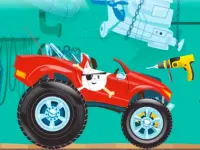

Build A Truck
4 plays





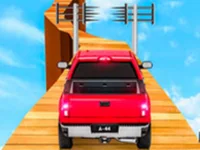

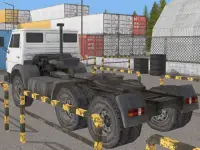


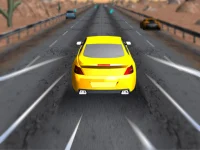


















Build A Truck
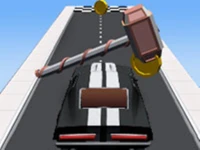
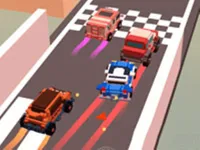
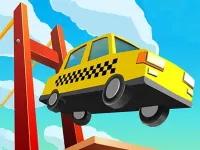
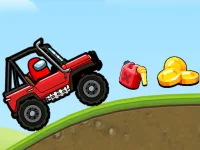
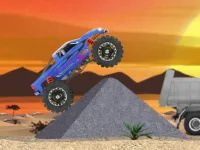
Get ready to build and drive with the fun racing game, Build A Truck! This engaging simulation lets you create a truck from various parts and compete on different tracks. While it can be frustrating when parts aren't saved and the controls feel awkward, mastering the game's mechanics is very rewarding.
How To Play Build A Truck
First, select the parts you want to use, then drag and drop them into place. Once you've assembled your truck, hit the "race" button to test your creation.
Controls and Features
The main gameplay mechanic is assembling parts using drag and drop actions to build a vehicle for racing. The game is a single-player racing simulation where you'll get to enjoy various tracks and compete with your friends.
Tips
When building your truck, make sure to adjust the parts carefully to avoid making it wobbly. When testing your truck, go slow to see how the physics respond to your build.
FAQ
How do I control my truck?
You can use the arrow keys or WASD to move your truck, and click and drag to assemble the parts. To start a race, press the space or enter key.
What's the main objective of the game?
The main goal of Build A Truck is to build a truck and compete on different tracks. It's a fun and engaging racing simulation that's perfect for kids!
Can I play with my friends?
Unfortunately, there's no multiplayer mode available in Build A Truck. However, you can compete with your friends on the same track.
How do I build my truck?
Building your truck is easy! Simply select the parts you want to use, drag and drop them into place, and then test your creation by hitting the "race" button.
About this game
- Supported devices
- Desktop
- Genre
- Racing Games
- Release date
- 24 October 2024
- Latest update
- 24 October 2024
- Rating
- No ratings yet