 mathgames.com.es

Popular Games
Last Played


Autosimulator
2 plays
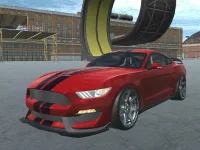
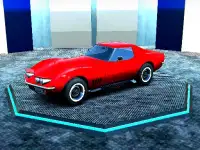

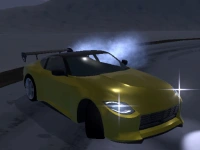

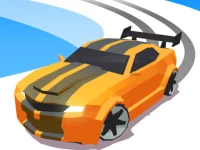
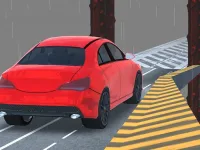


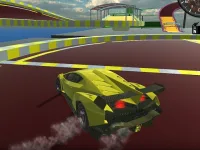
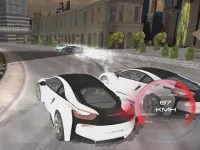


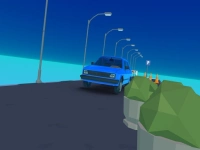
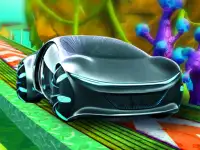


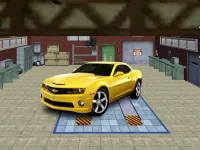







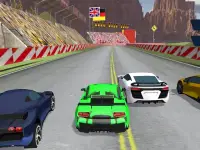

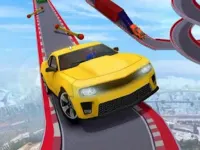
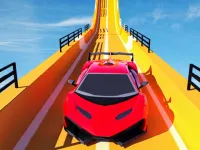


Autosimulator
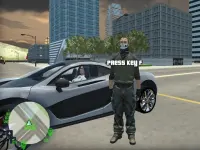
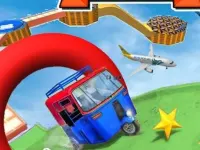
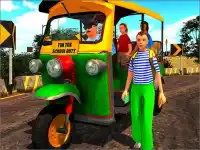
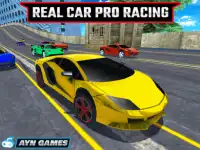
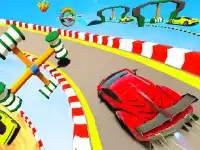
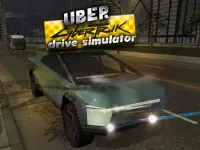
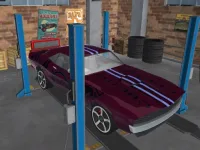
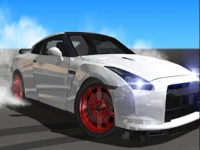
Autosimulator invites you to a fun sandbox experience where you drive three cars across wild stunt maps. This WebGL title focuses on pulling off jumps, drifts, and flips to show off your style. You can experiment freely in a relaxed setting, choosing your ride and map before launching into action. The game keeps things lively with simple controls and plenty of room to play. It is all about creativity, control, and clean moves that feel great to execute.
How To Play Autosimulator
Pick a car and a stunt map, then try to perform jumps, drifts, flips, and tricks to improve your skills. You can take your time to explore the environment, set up your approach, and land clean. The game rewards practice and creative lines, so try different angles and speeds to master each stunt.
Controls and Features
Use arrow keys or WASD to accelerate, brake, and steer. The spacebar can trigger flips or tricks, letting you add style to your runs. With three cars and varied stunt maps, you can find a setup that suits your style. The game supports drifting and stunt play, making it easy to learn and fun to master.
Tips
Go slow when landing jumps to avoid crashing. Use smooth steering and careful braking to keep control. Practice drifting on turns and try flips off ramps to build confidence. Keep an eye on your speed and adjust your approach to land cleanly.
FAQ
What are the controls for Autosimulator?
Use arrow keys or WASD for acceleration, braking, and steering. The spacebar can trigger flips or tricks during your runs.
What is the main objective in Autosimulator?
Perform jumps, drifts, flips, and tricks on stunt maps. The goal is to show style and control with your chosen car.
Does Autosimulator include a timer or hints?
The game focuses on sandbox play and creative stunts without strict timing or guidance.
What is the core mechanic of Autosimulator?
Driving cars to perform stunts like jumps and drifts. You pick a car and map, then execute tricks freely.
About this game
- Supported devices
- Desktop
- Genre
- Racing Games
- Release date
- 24 October 2024
- Latest update
- 24 October 2024
- Rating
- No ratings yet